P–02Web tool
YouTube MP4
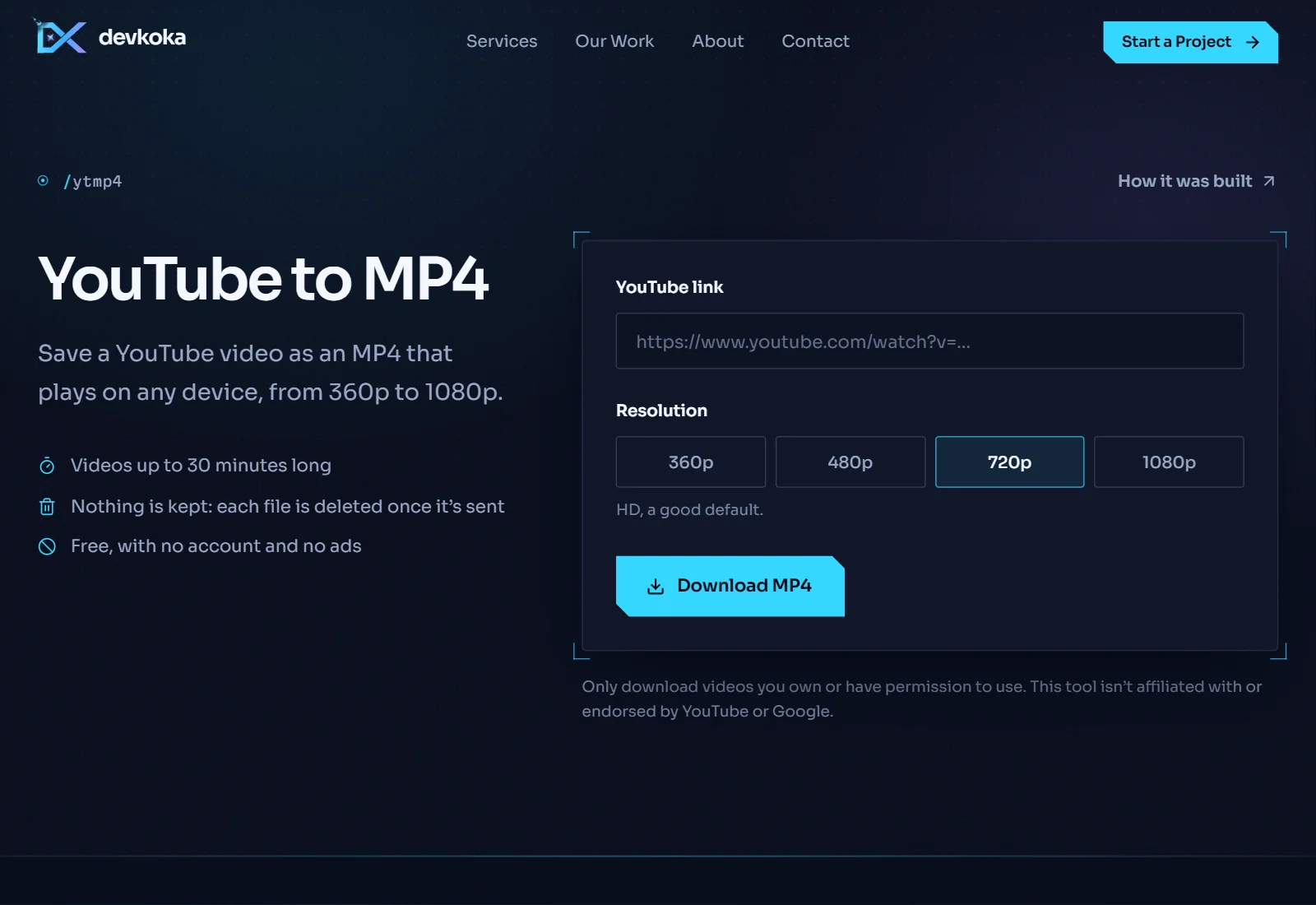
Saves a YouTube video as an MP4 that plays on any device, in the quality you pick. The desktop app goes up to 4K; the web version covers 360p to 1080p.
Overview
YouTube MP4 saves a video in the quality you choose, as a single MP4 file that plays on phones, laptops and TVs alike.
YouTube keeps the picture and the sound of higher-quality videos in separate streams. The tool picks the best H.264 picture at or below the quality you asked for, adds the matching audio, and joins them without re-encoding, so nothing is lost and it stays fast. If a source is blocked, it falls back to other stream types and players, just like the MP3 tool.
The original is a Windows desktop app that also handles 1440p and 4K. On the web, files are capped so they can be prepared and sent within one request, which is why it stops at 1080p.
How it works
- 01
Paste a link to a YouTube video.
- 02
Pick a quality, from 360p to 1080p.
- 03
Press Download. The video is prepared and saved as an MP4.